> For the complete documentation index, see [llms.txt](https://support.axion.network/llms.txt). Markdown versions of documentation pages are available by appending `.md` to page URLs; this page is available as [Markdown](https://support.axion.network/fundamentals/dao-axion-voting.md).
# DAO - Axion Voting %%%
Learn the basics and have your say on decisions for the future of Axion!
DAO is an acronym of '*Decentralized Autonomous Organization*'. This is a group of people or organizations that are unified in purpose such that they act as one organizational body.
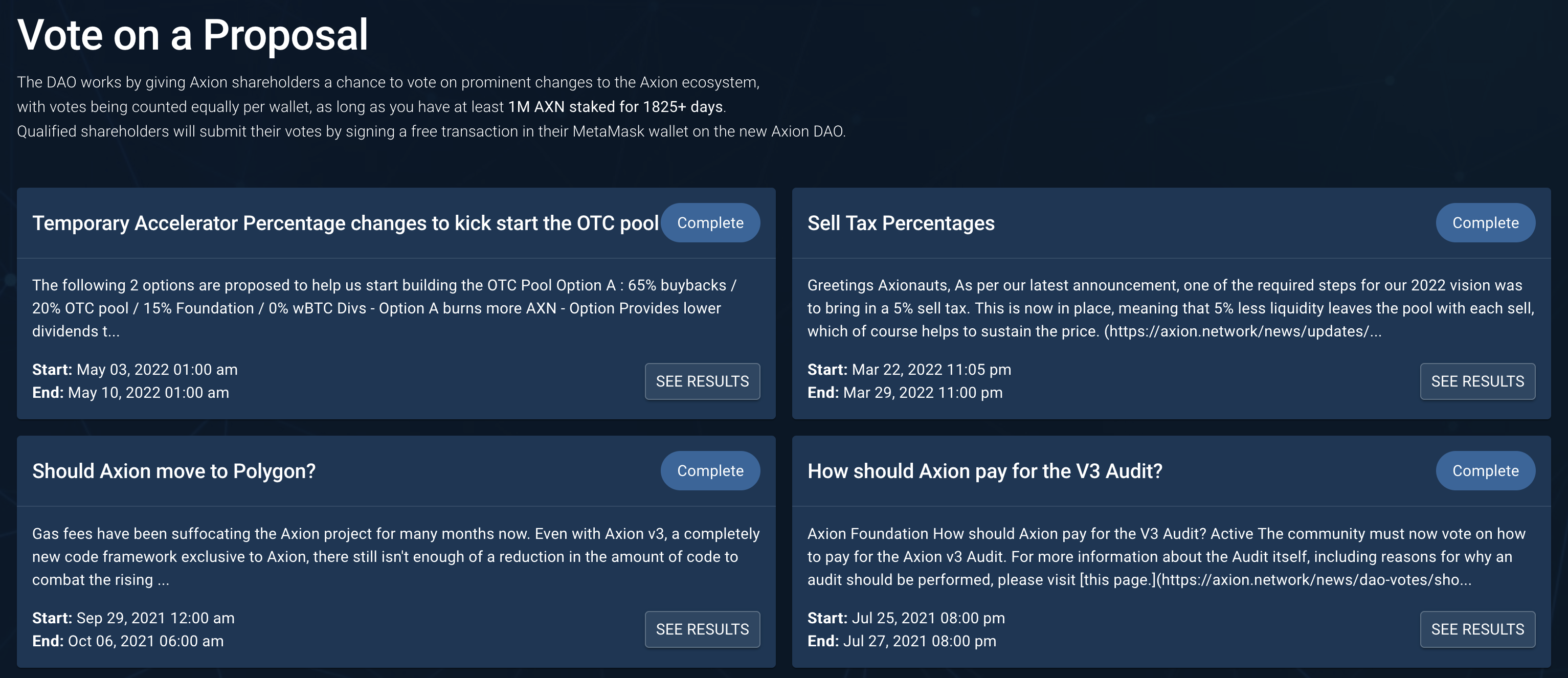
This DAO gives Axion holders a chance to vote on prominent changes to the Axion ecosystem. Qualified holders (depending on the stake duration and amount) will submit their votes by signing a free transaction in their MetaMask wallet on the Axion DAO.
Visit [https://vote.axion.network](https://stake.axion.network/voting) to view previous votes and results.
Vote on proposals through the Axion DAO
Users will need to press the Connect Wallet button to connect the wallet holding their stakes, in order to place their vote. On a mobile, the Connect Wallet is a small icon at the top of the page, accessible through the menu icon on the top right.
Once your wallet is connected, you can select a vote option and click **Vote**.
A Confirm Vote window will open, showing you your voting power (how many of your shares qualify for voting).
Confirm your vote
Once you confirm your vote, MetaMask will open a Signature Request transaction. This is a free transaction. Simply click Sign, and your vote will be placed.
Sign the transaction
If you have any trouble voting, please visit our Discord to create a support ticket, so our team can assist you.
{% content-ref url="/pages/voZimSF02BWuzNYZ6Fmt" %}
[Get Support](/basics/get-support.md)
{% endcontent-ref %}